
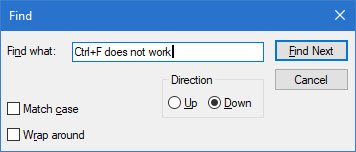
Pressing Ctrl+F together brings up the Search Bar or Find Box in most Windows applications. But if when you press Ctrl+F together, with a view to doing an in-line search, the Find Box or Bar does not appear, here is what you can try.

Ctrl+F does not work
Control F does not work? If when you press Ctrl+F together the Find Box does not appear, then you may have re-register a DLL file to fix the issue on your Windows PC.
It is quite possible that the relevant Active Accessibility Core Component oleacc.dll, situated in C:\Windows\System32 may have got un-registered or even corrupted.
You will have to re-register this DLL file.
Open an elevated command prompt as follows:
Type cmd in Start Box and in the result which appears, right-click on cmd and select Run as Administrator.
Now copy-paste
regsvr32 oleacc.dll
and hit Enter.
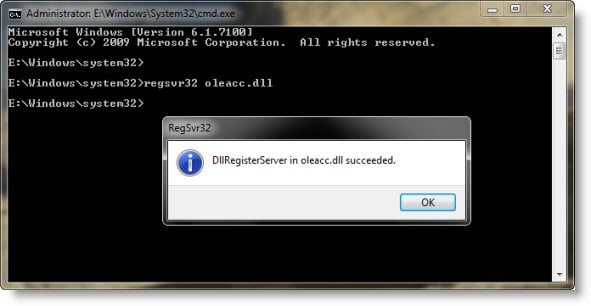
This will re-register the DLL file.
Restart and check.
If it still does not work, I suggest you click Start > Search Menu Bar > CMD > Rt click on result > Run As Administrator > Type sfc /scannow > Hit Enter. This will run the System File Checker. This will also replace corrupted system files if any. A reboot may be required.
Hope something helps.

