
Microsoft has released several Troubleshooters for Windows 10/8. Just last week we covered the Windows Apps Troubleshooter which let you troubleshoot and fix Apps problems. Today we will cover the Microsoft Accounts Troubleshooter for Windows 10/8 which lets you troubleshoot and fix Microsoft Account and Sync Settings problems automatically.
Windows 10/8 users are aware that there are multiple ways in which you can log in to the operating system. One of them is by using a Microsoft Account. We have already seen how you can sync Windows PC settings using Microsoft Account. But what if you are unable to use the Microsoft Account or the sync settings?
Microsoft Account Sync & Settings problems
Microsoft has released a Fix It ATS called the Microsoft Accounts Troubleshooter that will help you troubleshoot and fix such issues automatically. Specifically, the troubleshooter will, inter alia, identify and fix the following issues:
- Microsoft account settings are corrupt
- Can’t connect to the sync service
- Problem with Microsoft account policy
- Unable to connect due to proxy or certificate
- Check for roaming GPO enabled status
- Signed in with a guest account or Roaming User Profiles enabled
- You are not connected to the Internet
- You must be connected to the Internet to sync your settings
- Proxy Settings
- Check system not activated.
Once you have downloaded the Troubleshooter’s cab file, click on it to run it.
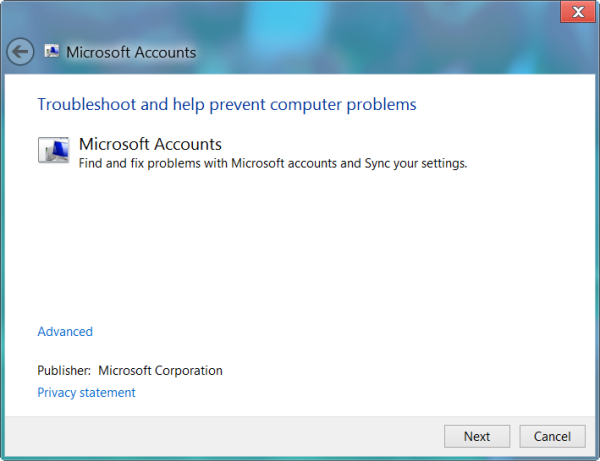
I prefer to click on Advanced and then always opt to see and then select the issues I want fixed. Click Next to start the scan.
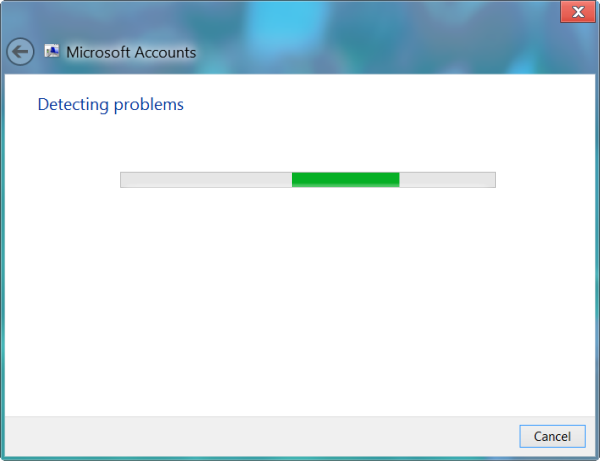
Once the scan is completed you will be presented with a list of issues which may be preventing your Microsoft Account for operating correctly. Sync settings problems if any will also be addressed. Clicking on Next will fix the present issues automatically.
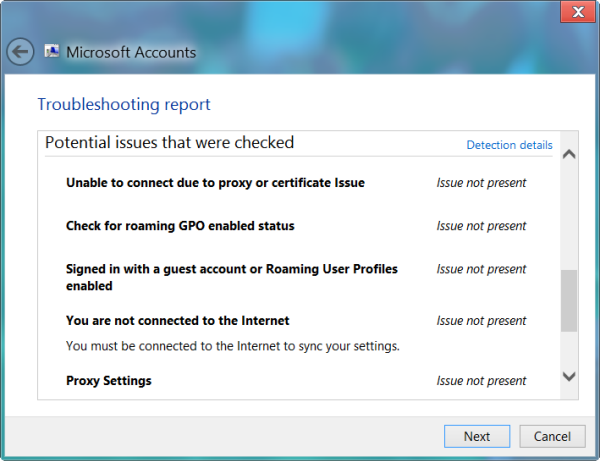
Microsoft Accounts Troubleshooter download
Click here to download the Microsoft Accounts Troubleshooter. [UPDATE: This tool has been taken down by Microsoft]
See this post if you are unable to create or add a new Microsoft Account.

