
The Microsoft Windows Malicious Software Removal Tool (MRT.exe) is yet another one of the many free security tools from Microsoft for Windows users – just like the Microsoft Security Essentials, Windows Defender, Windows Defender Offline Tool, and Microsoft Safety Scanner.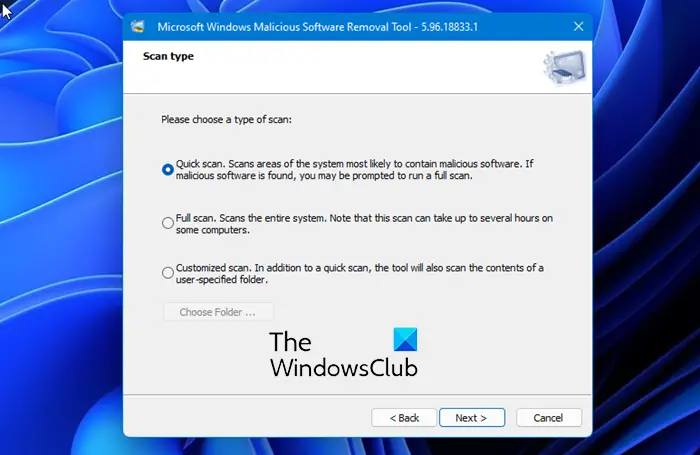
Malicious Software Removal Tool (MRT.exe)
The Microsoft Windows Malicious Software Removal Tool, located in the System32 folder, helps remove specific, prevalent malicious software from computers that are running Windows 11, Windows 10, Windows 8, Windows 7, Windows Vista & Windows Server.
The Microsoft Malicious Software Removal Tool does not replace an antivirus product. It is strictly a post-infection removal tool.
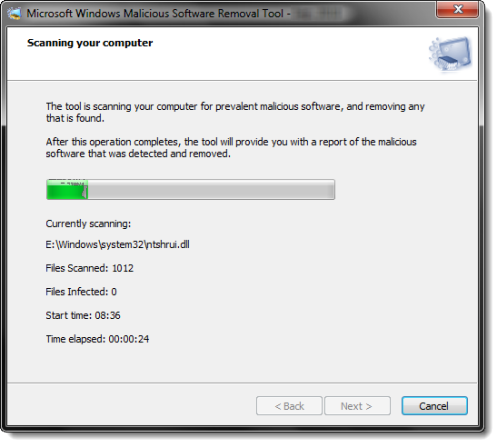
The three key areas in which the MRT.exe tool differs from an antivirus application are:
- The tool removes malicious software from an already-infected computer. Antivirus products block malicious software from running on a computer. It is significantly more desirable to block malicious software from running on a computer than to remove it after infection.
- The tool removes only specific prevalent malicious software. Specific prevalent malicious software is a small subset of all the malicious software that exists today.
- The tool focuses on the detection and removal of active malicious software. Active malicious software is malicious software that is currently running on the computer. The tool cannot remove malicious software that is not running. However, an antivirus product can perform this task.
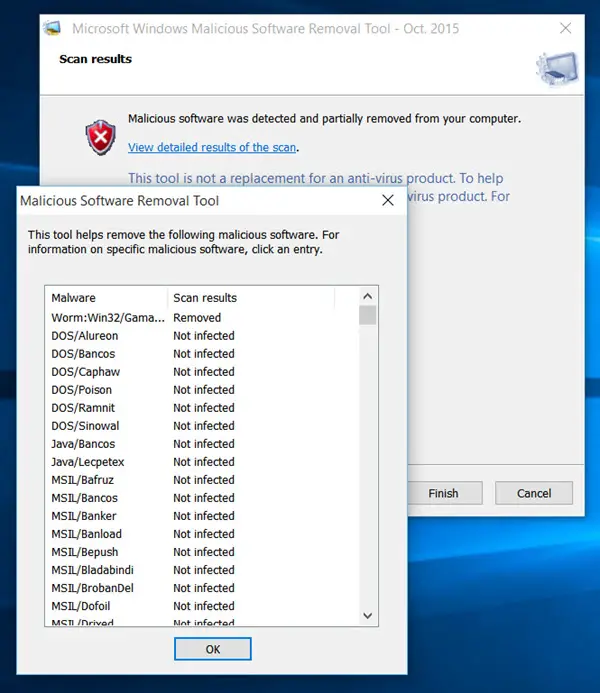
When the detection and removal process is complete, the tool displays a report describing the outcome, including which, if any, malicious software was detected and removed.
Microsoft releases an updated version of this tool on the second Tuesday of each month, as needed to respond to security incidents. The version of the tool delivered by Windows Update runs in the background and then reports if an infection is found.
Related: Windows Security Troubleshooter will help fix Windows security problems automatically
The Microsoft Windows Malicious Software Removal Tool checks computers for infections by specific, prevalent malicious software, including Blaster, Sasser, and Mydoom—and helps remove any infection found.
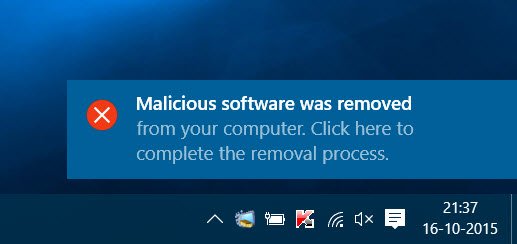
Once MSRT has been downloaded to your computer, it will run the scan automatically. If any infections are found, you will be notified right away and asked to click on the notification to complete the removal process.’
If you need more information, you may click on the link.
To run it on-demand you can download the Microsoft Malicious Software Removal Tool for Windows 11/10/8.1/8/7/Vista from Microsoft.
Read: Windows Malicious Software Removal Tool not downloading or installing
If you plan to deploy the Microsoft Windows Malicious Software Removal Tool in an enterprise environment, check KB891716.
Related: Fix MRT.exe High Disk & CPU usage.
Stop Malicious Software Removal Tool from downloading or installing
If you want to stop MRT.exe from installing, then open Registry Editor and navigate to the following Registry key:
HKEY_LOCAL_MACHINE\SOFTWARE\Policies\Microsoft\MRT
Create a new 32-bit DWORD value, name it DontOfferThroughWUAU and set its value data to 1.
If it does not exist, you will have to create it.
Hope this helps.
Related: List of free Malware Removal Tools to remove Specific Virus.

