
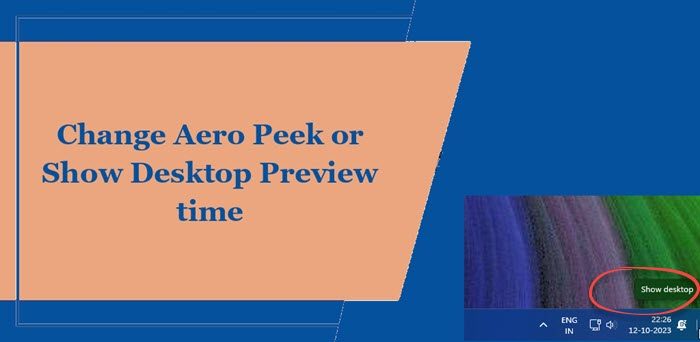
Aero Peek is a feature in Windows OS. If you have many windows open on your desktop, it is quite easy to lose track of them. If you wish to change the Aero Peek Desktop Preview times to make it faster or slower, you can do so as follows.
Change Aero Peek or Show Desktop Preview time
Type regedit in start search and hit enter to open Registry Editor.
Navigate to the following key:
HKEY_CURRENT_USER\Software\Microsoft\Windows\CurrentVersion\Explorer\Advanced
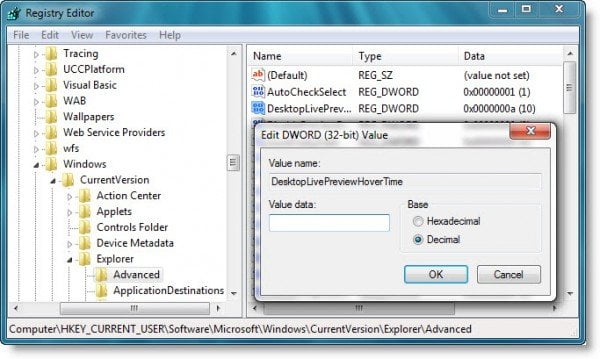
Now right-click in the right pane > select New > select DWORD (32-bit) value.
Name this DWORD as DesktopLivePreviewHoverTime.
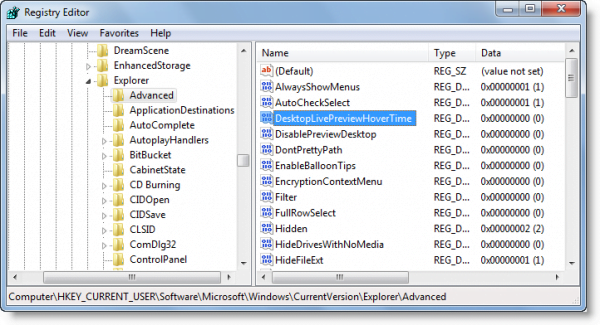
Now double-click it.
Select Decimal value and type the time in milliseconds. The default value is 1 s or 1000 ms. You may try 500 or 2000 and see what suits you best.
If you change your mind, simply delete this particular key and things will go back to default.
Use Desktop Peek Tweak
Desktop Peek Tweak allows you to adjust Desktop Peek delay time when you hover the mouse over the Desktop Preview button.
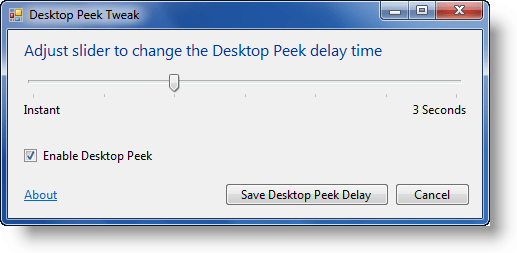
The default value is 1 s or 1000 ms. Shorten it to ‘Instant‘ if you like to have the desktop appear almost instantaneously.
Visit its Download Page for details.
