Microsoft Small Basic is a project that is aimed at making computer programming accessible to beginners. The project comprises a simple programming language that gathers inspiration from the original BASIC programming language; a modern and attractive programming environment; and rich, extensible libraries. Together they make programming fun for kids and adults alike.
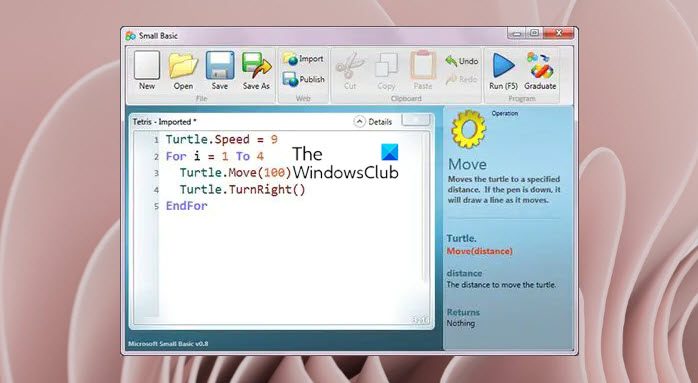
Microsoft Small Basic
Computer Programming is defined as the process of creating computer software using programming languages. Just like we speak and understand English or Spanish or French, computers can understand programs written in certain languages. These are called programming languages. In the beginning, there were just a few programming languages, and they were really easy to learn and comprehend.
But as computers and software became more and more sophisticated, programming languages evolved fast, gathering more complex concepts along the way. As a result, most modern programming languages and their concepts are pretty challenging to grasp by a beginner. This fact has started discouraging people from learning or attempting computer programming.
Small Basic is a programming language that is designed to make programming extremely easy, approachable and fun for beginners. Small Basic’s intention is to bring down the barrier and serve as a stepping stone to the amazing world of computer programming.
The project comprises a simple programming language that gathers inspiration from the original BASIC programming language; a modern and attractive programming environment; and rich, extensible libraries.
Together they make programming fun for kids and adults alike! Read more about it on its home page.
Here are some Tools and Programs from Microsoft that can help you teach Kids to Code.