
Bing Search displays great images as its background. If you like the Bing images and would like to download them, including some of the old ones, here is how you can do it.
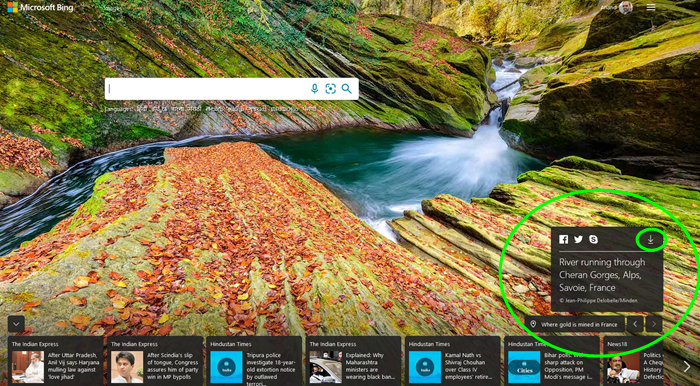
How to download Bing wallpapers
If you would like to download Bing Search images to set them as desktop background then you can download the latest & old ones too.
- Open Bing.com. In the bottom right part of the screen, click on the ‘Map’ icon.
- Some information about the image will pop up.
- You will be able to share it on Facebook, Twitter or Skype.
- You will also see the Download arrow icon.
- Now go towards the bottom right corner and click on the arrows to see wallpapers from previous dates.
- To save the image to your desktop, click the Download icon you see in the top right corner.
To download older images, simply click on the ‘<‘ icon to navigate to older images.
Bing Wallpaper app, Bing Downloader, Bing Paper, etc. are some free software that lets you do this easily and automatically.

