
Data loss is probably the single most traumatic experience for those storing their data electronically. While the answer to that may be regular backups, this freeware utility lets you create copies of folders.
How to mirror a folder in Windows 10
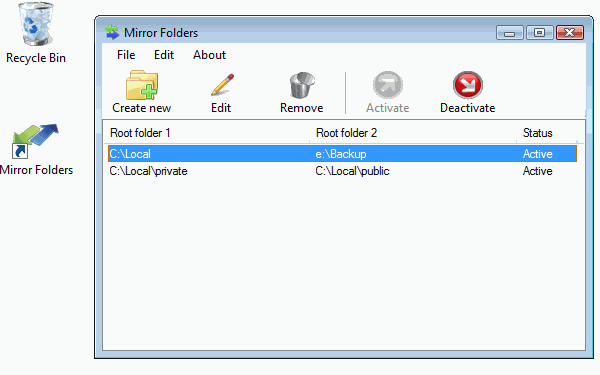
Mirror Folders is a free tool for Windows. It integrates with the Windows File Explorer and extends its context menu. Its purpose is quick mirroring of the folder structure between two root folders. These two root folders are the symmetry axis of the mirror.
It lets you synchronize folders or create copies of folders, including sub-folders, as a background process. While the copying process is going on, a dynamically updating system tray icon is displayed to reflect percent complete of the copy operation.
The folder mirroring process can be paused and resumed at will, log files are maintained in a directory of your choice, and a system tray icon is shown, which dynamically displays the percent complete.
With Mirror Folders, you link two root folders. One root folder could be the backup hard disk, and the second one could be your laptop’s drive.
Mirror Folders download
You can download Mirror Folders from its HomePage.
This can also reduce your chances of losing data due to HDD failure.
Take a look at these free File and Folder Synchronization freeware too.

