
Besides using it for your homework, assignments, research, and other things, you can also use Google for some fun. In this post, I am going to list the top fun tricks that can be performed using Google as well as some Special Hidden Google Pages.
Google Search Fun Tricks
1. Google Gravity
If you want to see Google’s homepage falling apart, then this trick is meant for you. Yes, you heard it right, you can actually see the Google homepage falling apart. Go to google.com and type google gravity. Then click on the I’m Feeling Lucky button and see the magic.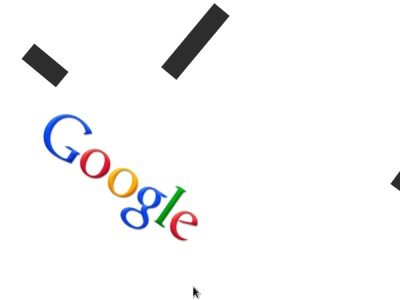
2. Pac-Man
Getting bored? Play your favorite game of Pac-Man on Google. According to the official website, it is a mini version of the game and was originally created as an animated logo for the game’s 30th anniversary on May 22, 2010. Type pacman in google’s search box and click on I’m Feeling Lucky button and have fun.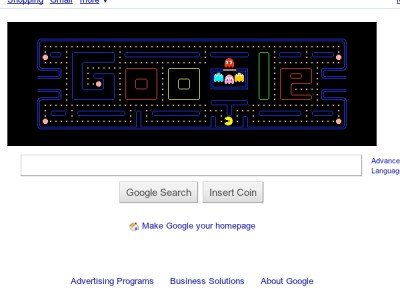
3. Tilt
As the name suggests, you can tilt your browser window by typing tilt on Google search box. There is no need to click on I’m Feeling Lucky button in this case.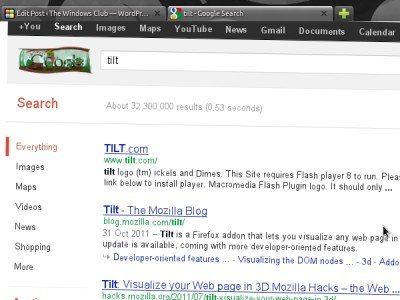
4. Annoying Google
Though it is a pretty basic trick, still it is enough to annoy you when you want to search for something in a jiffy. The text which is entered in the search box keeps on changing between upper-case and lower-case letters randomly. Visit annoyinggoogle.com to have a look.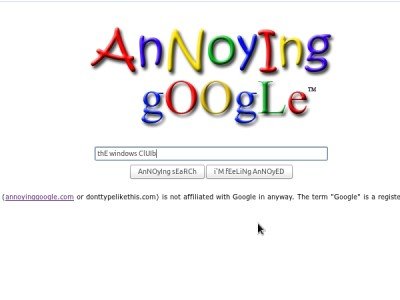
5. Do a Barrel Roll
One of the most creative tricks which can be performed with Google. Type do a barrel roll in Google search box and get astonished to see that Google obey your command. There is no need to click on I’m Feeling Lucky button in this case.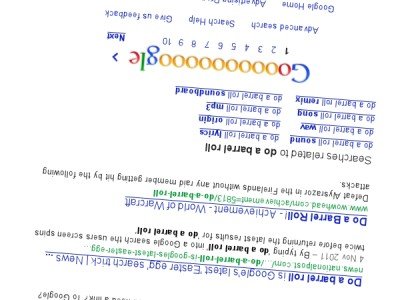
6. Google Sphere
Another fun project from the creators of Google Gravity in which the contents of a standard Google homepage are arranged in a spherical shape. Type google sphere in the Google search box and click on I’m Feeling Lucky button and see the power of code.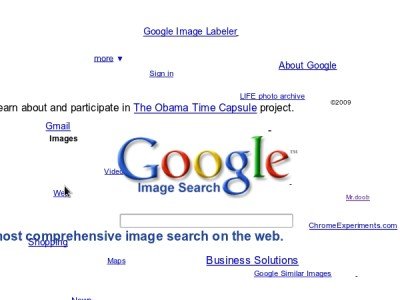
7. Epic Google
Have you ever seen the contents Google homepage getting larger and larger in size as soon as you start typing your query? If not, then type epic google in Google search box and click on I’m Feeling Lucky button to see this effect.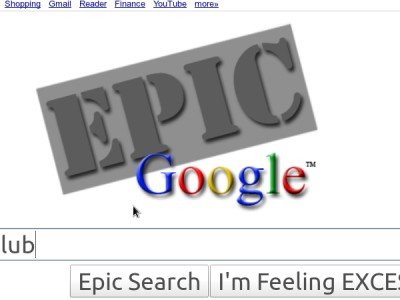
Heard of WeenieGoogle, Toogle, Uneven Google and The Revolving Google? No? Go here to find out!
Special Hidden Google Pages
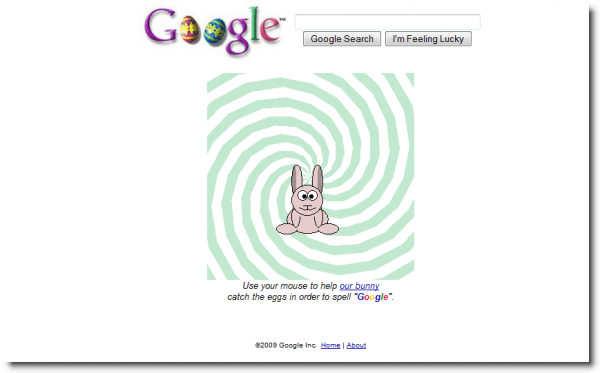
There are some special works of Google, that are known but to a select community of people. They are the special or hidden or lesser-known of the Google pages and are worth having a look at. Check them out!
Special Hidden Google Pages
- Google Moms
- Rare Google Beta Logo and Google Holiday Logo’s
- Google’s Metaplex
- Google Heart 1 & Google Heart 2
- Google Doodles
- UncleSam, Microsoft, Mac, Linux, BSD.
- Google’s Help To Build Better Query
- Google’s Languages Which Only Google Can Understand
- More “un-understandable’s” ! Bork, Bork, Bork!, thlngan Hol, H4×0r, lgpay Atinlay.
- Google Easter Feature
- Google Gulp.
Revolving Google, Uneven Google or Toogle
Tired of browsing Google in the same old style!? Has it become monotonous? Need some spice? Try the Revolving Google, Uneven Google or Toogle!
1) The Revolving Google
Open this website and get ready to be surprised! The window keeps rotating and at the same time, you also get to listen to some music. It’s not just Google, you can browse any website over the web!
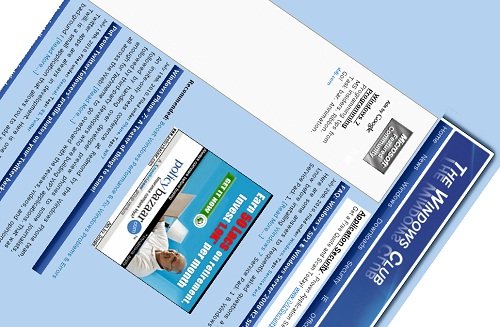
2) UnevenGoogle.com
Browse Google in a little tilted, blurred and skewed way. It looks a bit odd but as I said, this is just for people who want to try something new!
3) Toogle
UPDATE: Toogle is discontinued: It’s something very different; it’s an image search with text embedded in the image. Here’s what they say: Toogle is a Text version of Google Image Search. Currently, it creates images out of the very term that was used to fetch those images, later we will endeavor to create images out of the search terms entered by users past and present. But for now please, go play.
This is what I got when I searched for “XP” :
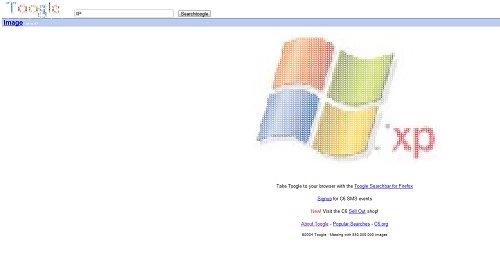
Pretty cool isn’t it? Have fun!
4) EpicGoogle
EpicGoogle.com: The letters keep becoming larger and larger once you type something in the search box.
5) WeenieGoogle
WeenieGoogle.com: The letter keeps becoming smaller here.
Watch the Google Home Page come crashing down
Google is the most popular search engine, used by millions, worldwide. What if the Google home page was to come crashing down … literally!?
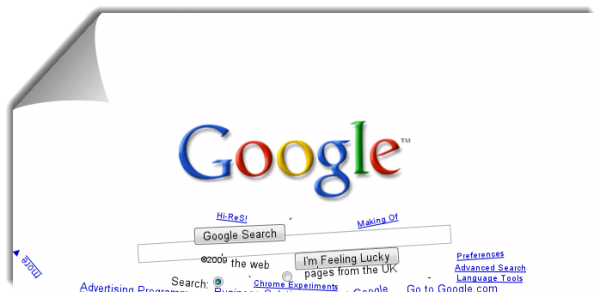
Gravity is a website where you can watch the Google home page come tumbling down, under the influence of gravity!
You may have to use Chrome, Opera, Firefox or Safari. If you use earlier versions of Internet Explorer, you may get a message:
Your browser, Internet Explorer, is not cool enough. Please upgrade to Chrome, Opera, Firefox or Safari.
But it worked just fine on Microsoft Edge and Internet Explorer 11!
Visit: Google Gravity and see the Google home page come crashing down!
Google launches com.google; Experience Google in reverse
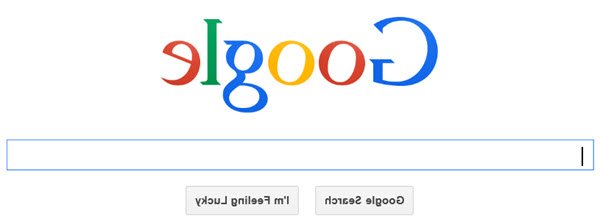
Google has launched com.google, a service that shows Google in reverse. For example, Google India is being displayed as “elgooG aidnI“. Of course, the letters too are inverted in the logo.
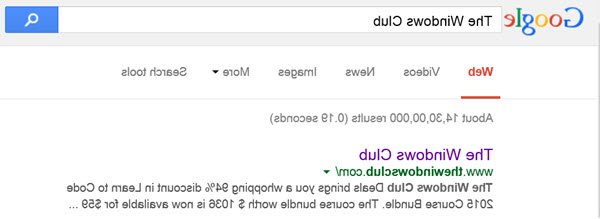
When you type anything in the com.google page, it also shows autosuggestions. These autosuggestions too are being shown in reverse – inverted and mirrored. Even the letters typed in the Google search bar are inverted thereby creating confusion as to what you are typing. The text you type in the text search bar goes from right to left just like the Middle East languages – even though you are typing in it using the English language.
The results too are shown inverted. The text description comes above in inverted characters – reading right to left as opposed to the standard reading left to right. Then comes the URLs leading to the search result pages which too are in inverted form.
Among all top-level domains, we know that .google is not one of them. Google is using some sort of masking or any other technique to keep the website alive. The reason for creating such a page is just to provide fun and to challenge the users to read what is imprinted inverted. The technique of inverted reading has been proposed by many scholars to improve the speed of reading English or any other language but that does not seem to be an objective here.
Google has been up for pranks for past many years. There are pages at Google or rather at google.com that are not known to many and are fun to use. Check out some hidden fun Google pages at this link. Another fun Google page is Gravity were things like text boxes and search buttons come tumbling down as if acting under the power of gravity.
Google also had an interesting keyword research tool called Google Wonder Wheel, but they appear to have discontinued it now.
If some of them do not work for you, try using Google Chrome browser – or else turn off Instant Search and try.
Google I’m Feeling Lucky button Tricks
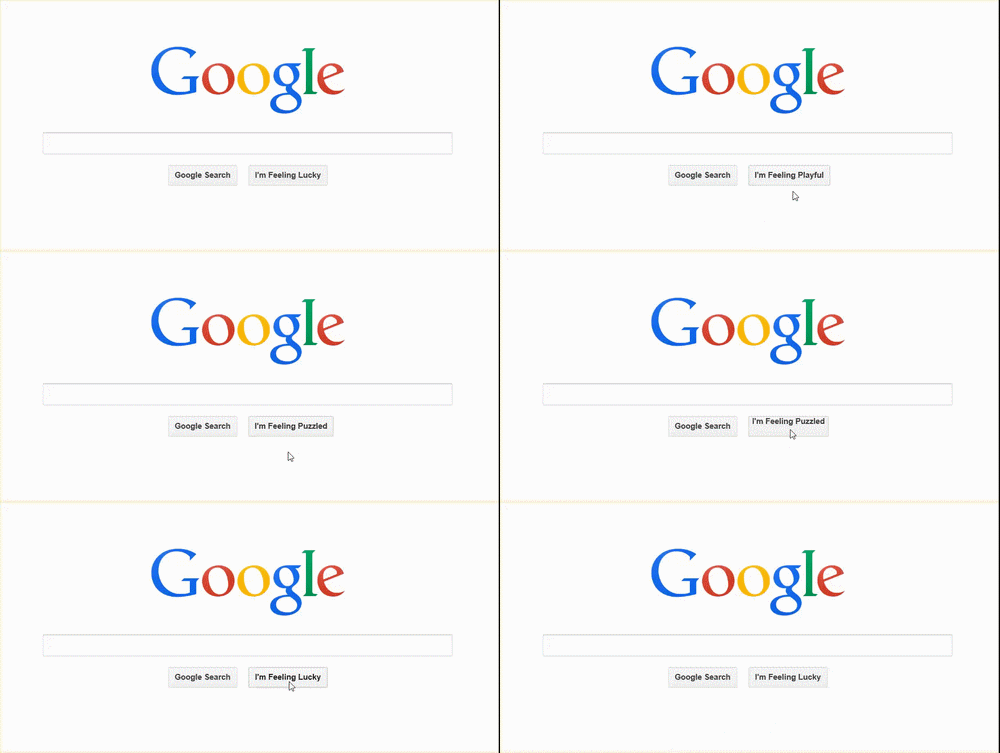
If Instant Search is turned on in your Google settings, you may not be able to use the “I’m feeling lucky” button because as soon as you start typing in the field, you are shown the results related to search suggestions, start appearing as you type. To be able to use the button, you need to turn off Instant Search.
Most of us do not go to the Google homepage anymore to search, as the address bar itself serves as a search bar also. In modern browsers, the address bar is omni bar that allows you to type a URL or a search term. Based on what you type and the format of what you typed, the browser interprets what you are trying to do and acts accordingly.
If you type google.com and go to the Google homepage, you will see the standard text bar with two buttons below it: Google Search and I’m Feeling Lucky. The first button gives you a list of websites containing the keywords you typed into the search text box. The other button – “I’m Feeling Lucky” – takes you to the most possible matching website instead of taking you to a list of websites containing the keywords. This saves time if you get proper information related to the keywords you typed. But then, you must really be feeling lucky and confident to click that button.
In most cases, the search ends up at Wikipedia or Amazon. In other cases, it goes to the homepage of things related to what you typed. For example, if you simply typed AA and clicked on “I’m feeling lucky”, you will be taken to the American Airlines homepage. There are certain other things that the button can do for you. We’ll come to it in a while. As said earlier, you need to turn off Instant Search from Google Search Settings.
More about Google I’m Feeling Lucky button
1] If you click the I’m Feeling Lucky button without entering anything into the text box, you will be taken to Google Doodles Archives. You can browse through the Google Doodles available. It also shows Doodles being displayed at that time in any country. You can view Google Doodles displayed in previous years on that day. Then there is the gallery to browse all Doodles.
2] At Google.com, you can get many more options such as “I am feeling Trendy”, “I am feeling Stellar”, “I am feeling Generous” etc. These options are not available in the regional versions of the Google homepage. To stick to google.com, type google.com/ncr without the quotes in the address bar of your browser. NCR is short for “No country recognition”. On this homepage, when you hover your mouse cursor on the “I’m feeling lucky” button, the button starts rolling like the slot machines does and stop with one of the many options as mentioned above. Clicking on the button will take you to related websites. For example, if you did not enter anything in the text box, and the button says “I’m feeling stellar”, you will be taken to Google Earth. Likewise, “I’m feeling artistic” will take you to Google Cultural page where you can explore art.
When you move the mouse pointer away from the button, it comes back to “I’m Feeling Lucky”. You can again hover your mouse pointer on the button to get some other option for further exploration.
Google makes money by showing ads and promoting search results when people use its search engine. In this case, taking you directly to a website when you click “I’m feeling lucky” costs it a fortune because some 1% of people searching for things click on the button. That results in Google’s ad revenue loss.
Hence, Google discontinued this button!
Well, this was just a small list of some fun tricks which can be performed with Google. If you know about any of the others, feel free to share.
Take a look at some cool hidden YouTube Easter Eggs too.
