
There are a lot of media formats out there, and it sometimes becomes very difficult for users to choose the format that is most suitable for them and their devices. To get the best results, you need to first convert your media to a format compatible with your device. But how does one do that? You can convert them by using any media converter software. There are many media converters available; some are paid, and some are free. But why spend money when you can get the same features for free?
Video & Audio Media Converter software for Windows PC
Here is a list of the finest free media converters for Windows 11/10:
- Any Video Converter
- Format Factory
- Acala Video Studio
- Adapter
- TAudioConverter
- AIMP Audio Player
- Any Video Converter
- Oxelon Media Converter
- Freemake Video Audio Converter
- Vixy Freecorder
- VLC Media Player
- VSDC Free Audio Converter
- fre:ac.
Let us take a look at them.
1] Any Video Converter
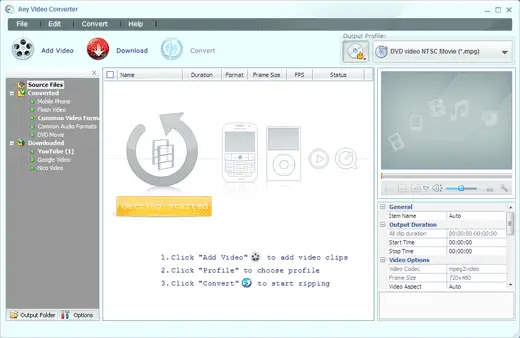
With its large format support, Any Video Converter is one of the best video converters out there. It helps you by showing the formats, and for non-technical users, it also shows the device name, so you can convert your media for your device properly and efficiently. It’s easy to use the Graphical User Interface, making the application a breeze to use. This application has a good conversion speed, and the quality of the output file is really impressive.
It can convert almost any media to any of the formats, including DivX, XviD, MOV, RM, RMVB, MPEG, VOB, DVD, WMV, and AVI, and can also convert media for many portable devices, including PSP, MP3 players, mobile phones, and other devices. Download it here.
Related: Best free Audio Format Converter software for Windows.
2] Format Factory
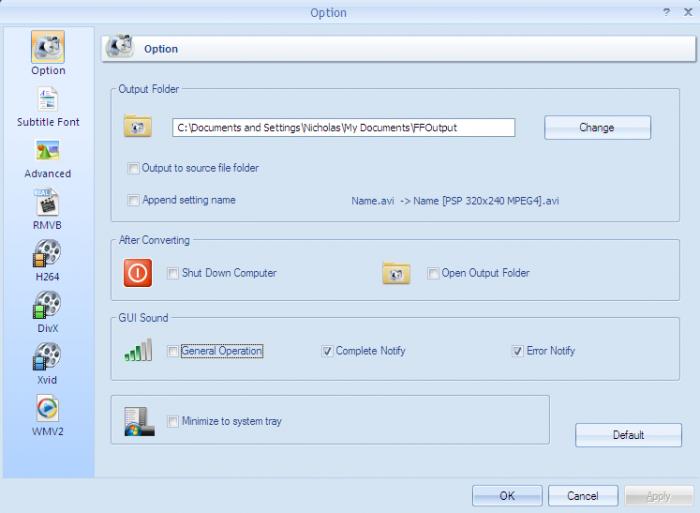
Format Factory is a multifunctional media converter with plenty of features. As the name suggests, the application is really a factory of formats – as it supports a large list of formats. The features it includes, such as Rip Audio/Video CD, etc, make the application even better. It can convert almost any media file and supports devices such as iPod, iPhone, PSP, BlackBerry, etc.
Its format conversion list includes MP4/3GP/MPG/AVI/WMV/FLV/SWF, MP3/WMA/AMR/OGG/AAC/WAV, JPG/BMP/PNG/TIF/ICO/GIF/TGA and others. You can even edit the pictures while converting them with Format Factory It is available in 56 languages.
Read: WinX HD Video Converter Deluxe will convert HEVC to MP4
3] Acala Video Studio
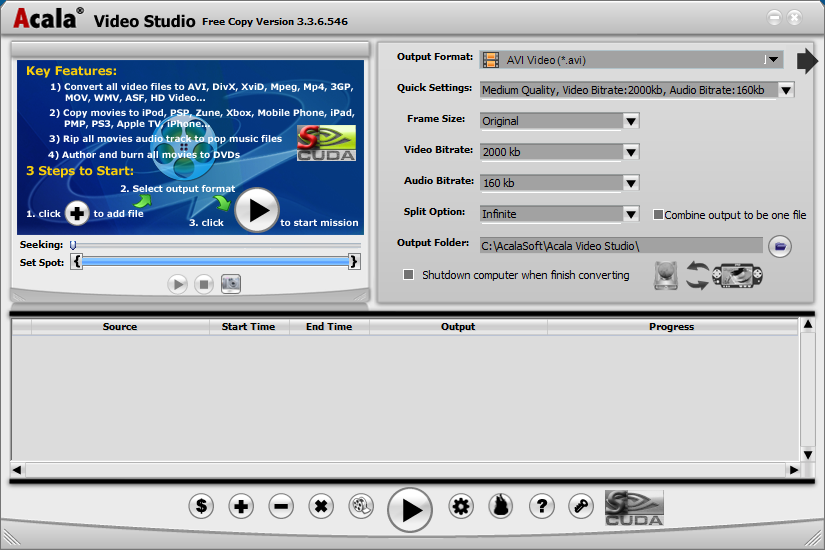
Acala may not be as popular as the other two applications, but is a feature-full media converter, offering some additional features. Acala is quite easy to use and offers good format support. It can re-authorize the media and can perform many tasks with it. It can rip movies, burn DVDs, edit videos, and lots more. Acala supports many formats and can convert files to AVI, DivX, XviD, Mpeg, MP4, 3GP, MOV, WMV, ASF, HD, and can also transfer the media to some supported devices.
Acala has a free version as well as a Pro version. I have provided the CNET download link for the free version I personally downloaded. Also, make sure you use the Direct Download link mentioned there.
To read about the others, visit these pages:
Adapter | TAudioConverter | AIMP Audio Player | Any Video Converter| Oxelon Media Converter | Freemake Video Audio Converter | Vixy Freecorder | Video Shaper | VLC Media Player | VSDC Free Audio Converter and fre:ac.
