
If, when you click the Windows Start Orb, you find that the start menu has dropped down and hidden behind the taskbar, then you may want to try this solution. This issue may not occur every time, but maybe, only once in a while.
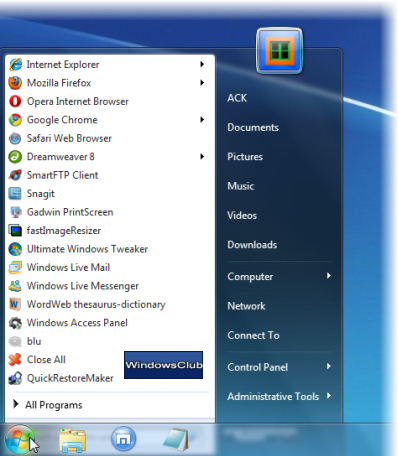
The issue may occur if your taskbar is situated at the bottom or anywhere else including the sides.
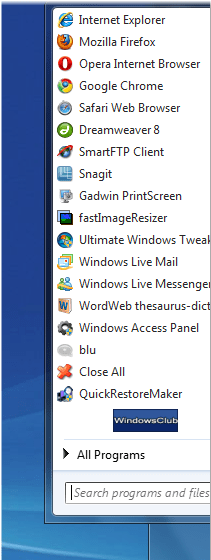
In some cases, it may cover the taskbar.
The problem is known to occur if the Start Menu panel has been moved to another location accidentally, somehow.
To resolve this issue:
1. Right click on the start orb and open the Properties box. Click in Start Menu tab > Customize > Click Defaults > Apply > OK.
2. Unlock the task bar and move it to any OTHER position and lock it. Unlock it and move it back to the earlier original position and lock it.
3. Right click Desktop and Refresh desktop.
Hopefully the issue should have been resolved!

