
The Search function is one of the most useful and frequently used features in Windows 11/10/8/7. And if it does get broken for some reason and does not display results at all or display results incorrectly, it can be quite frustrating. This article will tell you how you can repair your Windows Search and the Search Indexer function.
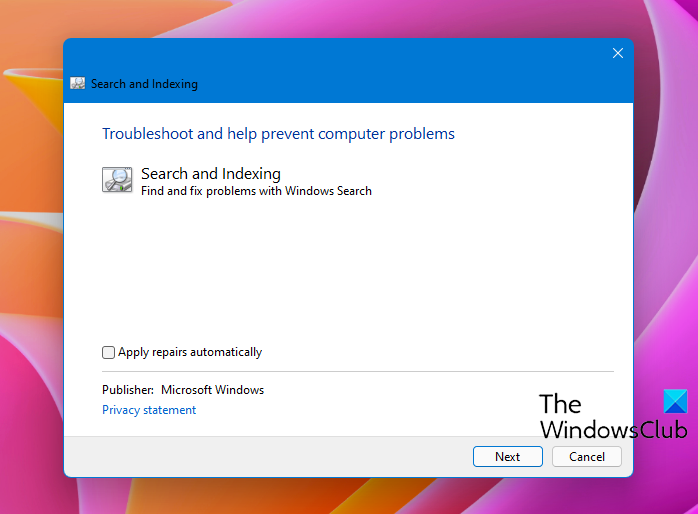
This Search and Indexing Troubleshooter from Microsoft will automatically repair Windows Search problems and specifically fixes the following search problems:
-
Windows Search does not start
-
Windows Search does not work as expected, even if it does start
-
Windows Search starts but shows no results
-
Windows Search is crashing
-
Other general problems with Windows Search.
Windows Search and Indexing Troubleshooter
If you face these issues, download this Search and Indexing Troubleshooter from Microsoft and simply run the wizard. Microsoft has now built these tools inside the Windows 11/10 operating system.
To access it open Settings or open Control Panel > All Control Panel Items and click on Find and fix problems with Windows Search to open the Windows Search Troubleshooter.
Alternatively, open Run box, type the following and hit Enter:
msdt.exe -ep SystemSettings_Troubleshoot_L2 -id SearchDiagnostic
The wizard will ask you if you would like to detect and fix all the issues automatically or if you would like it to only detect the issues, and let you decide what you want fixed. Choose the option you want and click on Next to complete its run.
You will then be asked what problems you are facing.
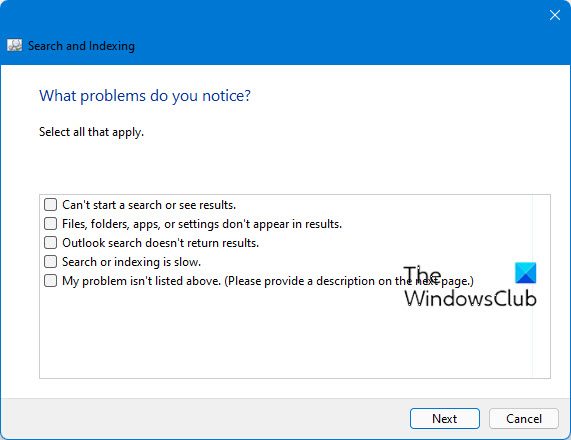
Select your options and click Next and allow the wizard to run.
The following issues are checked:
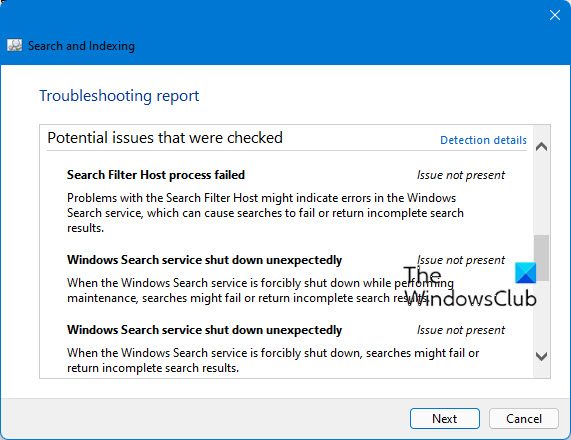
The following issues are checked:
- Search Filter Host process failed: Problems with the Search Filter Host might indicate errors in the Windows Search service, which can cause searches to fail or return incomplete search results.
- Windows Search service shut down unexpectedly: When the Windows Search service is forcibly shut down while performing maintenance, searches might fail or return incomplete search results.
- Windows Search service shut down unexpectedly: When the Windows Search service is forcibly shut down, searches might fail or return incomplete search results.
- Windows Search service not running: When the Windows Search service is not running, searches might be slower, and you might not be able to find all items.
- Windows Search service failed: Problems with the Windows Search service can cause searches to fail or return incomplete search results.
- Search Protocol Host process failed: Problems with the Search Protocol Host might indicate errors in the Windows Search service, which can cause searches to fail or return incomplete search results.
How do I reset my Search Index in Windows 11/10?
If you need to delete and rebuild Search Index in Windows 11/10, follow these steps:
- Type indexing options in the Search box
- Press the Enter key and the Indexing Options window will open
- Click on the Advanced button
- Press the Rebuild button in the Advanced Options box
- Press OK to close the box
- Press Close button to close the Indexing Options window.
How do I fix the Windows button and search bar not working?
If pressing the Win key doesn’t open the Search box or the search bar is not working on your Windows 11 system, then use the Search and Indexing troubleshooter to fix it. You can also restart the SearchHost.exe service, and Windows Search service, delete the Search History and rebuild the Search Index.
If you receive an error message: Search Failed to Initialize, Waiting to receive indexing status or Microsoft Windows Search Indexer Stopped Working And Was Closed or Windows could not start the Windows Search on Local Computer, you may want to see this post on Windows Search not working.
These links may also interest you:

