
Give your Windows 7 a nice new look! Download and apply Firedance 7 Visual Style for Windows 7.
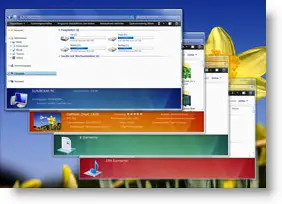
Firedance 7 is not your usual themepack, but a msstyle; a nice visual style which will change the look of your Windows 7.
However to apply such third party visual styles or themes, one has to patch the following files situated in the system32 folder:
uxtheme.dll
themeui.dll
themeservice.dll
To do so easily one may use Windows Theme Installer !
Do create a system restore point first before applying the patches.
Next extract the contents of the downloaded rar file and place its contents in %windir%\Resources\Themes folder.
You may now double-click on the theme file or right click Desktop and select Personalize. From here you can apply the visual style.
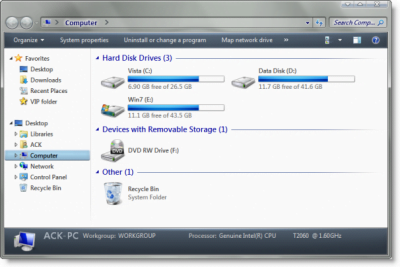
Visit Sunbeam2000 @ Deviantart | Download Firedance 7.
I’m sure you will like the new look Windows 7! Windows Vista users may want to go here.
NOTE: The theme files are no longer available, hence the broken links have been removed.
