
Malwarebytes has been an excellent protection shield for Windows users, who are concerned about their online security. For them, here is good news – Malwarebytes got an update. It offers superlative protection, launches quickly and its scan speeds have improved. Here is everything you need to know about Malwarebytes 4.0 FREE that is available for existing as well as new users.
Malwarebytes 4.0 review
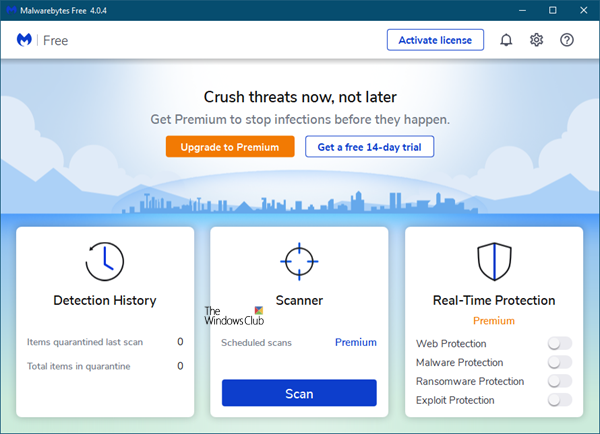
Malwarebytes Anti-Malware has been a great security shield for every Windows user. People use this tool not just because it is good but also because it works alongside other traditional antivirus software. However, now you no longer need to install any anti-exploit tool or an anti-ransomware tool, to protect your PC from unwanted threats, as Malwarebytes 4.0 combines its three tools.
Malwarebytes 4.0 has an elegant and clean and appealing user interface. This version scans files four times faster than its predecessors. That is probably the best biggest plus point since an antivirus takes more time to scan the entire system for threats.
The new interface of Malwarebytes 4.0 offers three sections:
- Detection History
- Scanner
- Real-Time Protection. This is for Premium users only.
1] Detection History
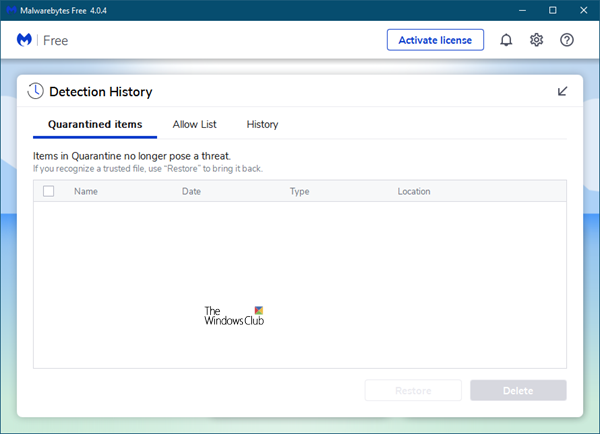
Clicking on Detection History opens a panel that shows the Quarantined items.
2] Scanner
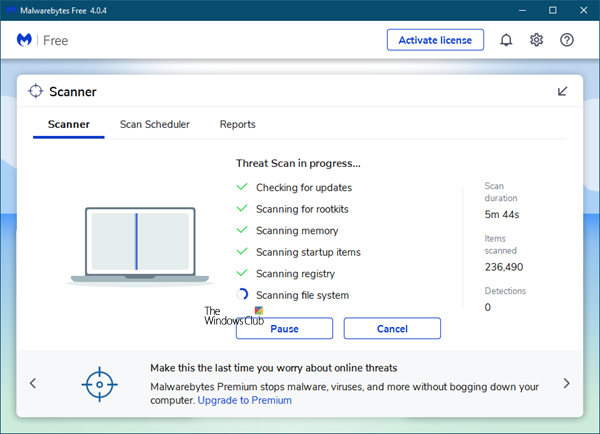
Clicking on the Scan button will initiate the scan. Your system will go through several filters before showing a scan report.
Once the scan is completed, you will be presented with the findings. In case, it finds any threat or suspicious file or program, you will be informed.
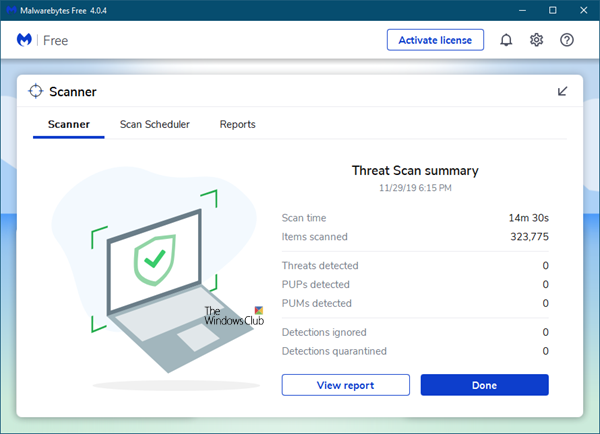
You can opt to quarantine or delete the malicious objects here.
Clicking on the View report button will give you a detailed report of the scan.
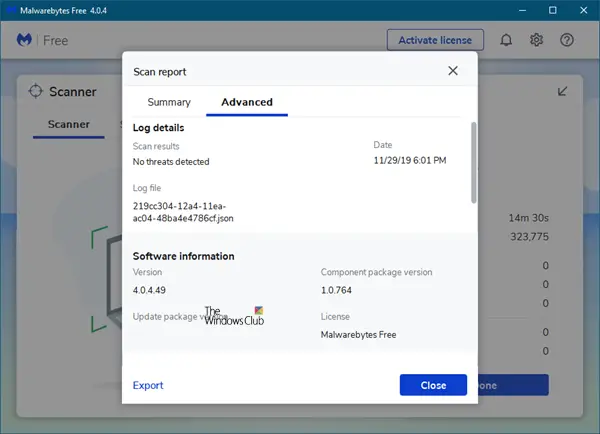
A good feature of this tool is you can export the scan result in .txt format. Whenever you scan your system using this tool, it creates a new scan report. All these can be found in Reports tab. You can check the scan results by date and time.
3] Real-Time Protection
Real-Time Protection is for Premium users only. Here you can toggle On or Off:
- Web Protection
- Malware Protection
- Ransomware Protection
- Exploit Protection.
Talking about the features of Malwarebytes, you can find a few new options. Here are some of the features you may like in Malwarebytes:
- Faster scanning for threats.
- Schedule scan: By default, it scans every 24 hours. However, you can change and set a particular time according to your wish. This is for Premium users only.
- All-in-one security shield: That means you no longer need any standalone anti-ransomware, antivirus and anti-rootkits. For your information, this tool doesn’t scan for rootkits by default. You need to enable this function right from Settings > Protection > Scan Options.
- Real-Time Protection: To be on the safe side, you must have real-time protection. Malwarebytes provides such option to help you in real-time.
- Exclusion: At any point, if you wish to exclude a file or program from being under the Malwarebytes’ radar, you can rule out that program or file/folder from Settings
- Scan from the right-click context menu: Like Windows Defender, you can get an option to scan any file or folder from the right-click context menu. Just right-click on any file, select Scan with Malwarebytes.
Malwarebytes 4.0 settings
The Settings section is divided as follows:
1] General
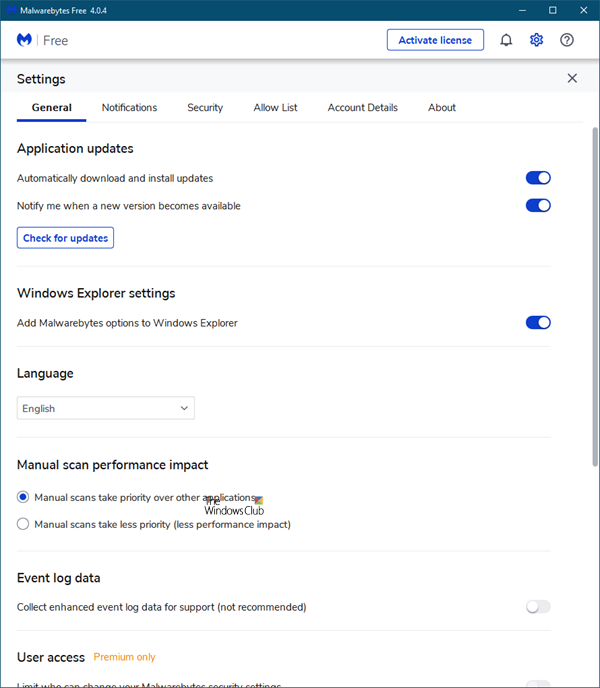
Here you can configure the anti-malware to make it behave the way you want it to. You can manage File Explorer integration, etc here.
2] Notifications
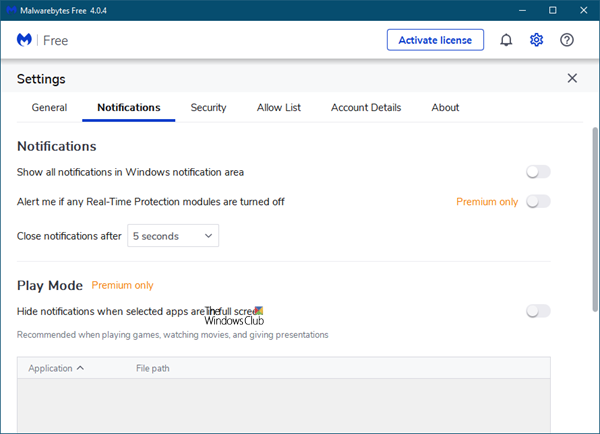
Configure how you want Malwarebytes to notify you of important events.
3] Security
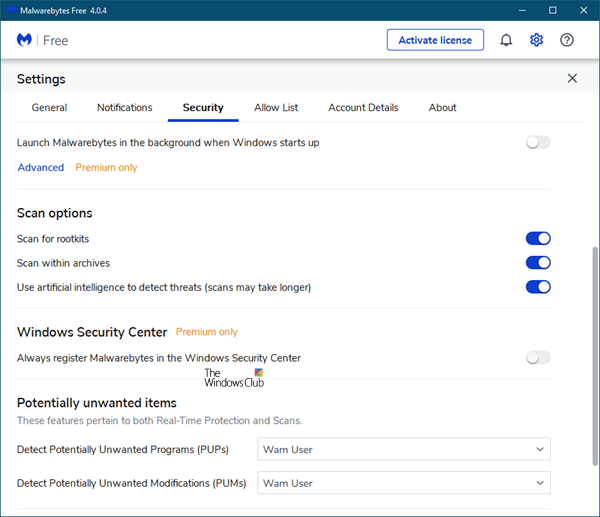
Configure the items you want to be scanned, the update process and so on, here.
4] Allow List
You can programs that you do not want to be scanned here. This has been explained in detail below.
5] Account Details
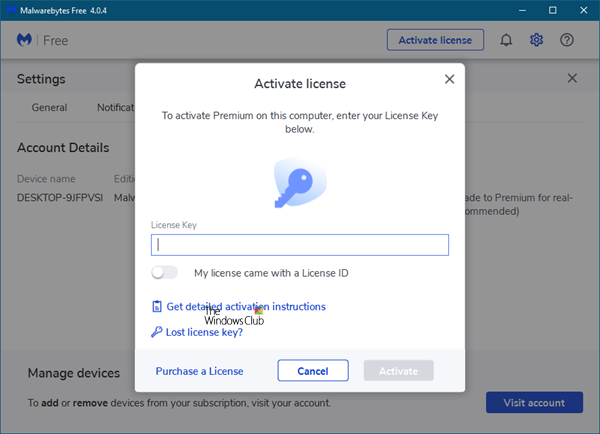
It indicates if you use a Free version or a Premium version. If you have a license key, this is where you need to enter it.
6] About
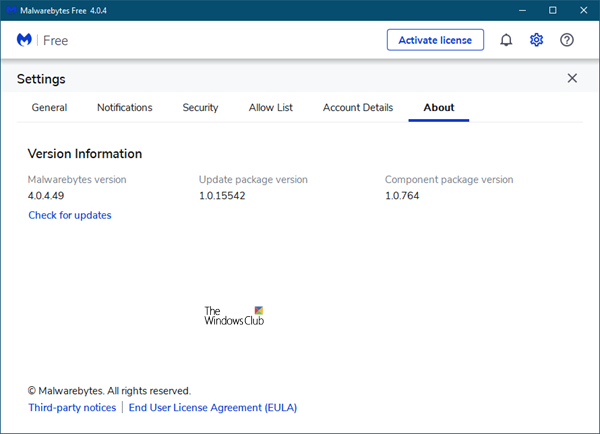
It lists the product version and other details. You can also manually check for updates from here.
Malwarebytes comes with a lot of features they can be toggled right from the Settings. For instance, you can do the following tasks from Settings.
- Show/hide notifications from System Tray
- Change notification visibility [or the time]
- Show/hide “Scan with Malwarebytes” from right-click context menu
- Change language
- Setup proxy server
- Limit all users from access to Malwarebytes features
- Toggle Real-time protection
- Enable/disable rootkit scanning
- Enable/disable automatic updates
- Start Malwarebytes at Windows Startup (not recommended if your PC already has loads of other programs).
- Enable/disable self-protection module
- Toggle Automatic Quarantine
- Schedule scan
- Exclusion to exclude certain file/folder/program.
How to add an exclusion in Malwarebytes 4.0
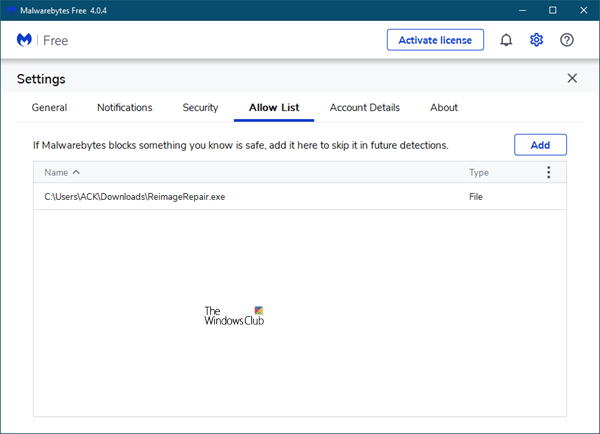
Sometimes, we do not want to scan a particular file or folder or program for a specific reason. If you have such program on your computer, and you do not want to scan them using this tool, you need to set an exclusion. To add a Program to Malwarebytes Exclusion List, go to Settings (wheel icon in the top right corner) > Allow List. Click on the “Add” button. You will get a popup window, where you have to select the type of exclusion.
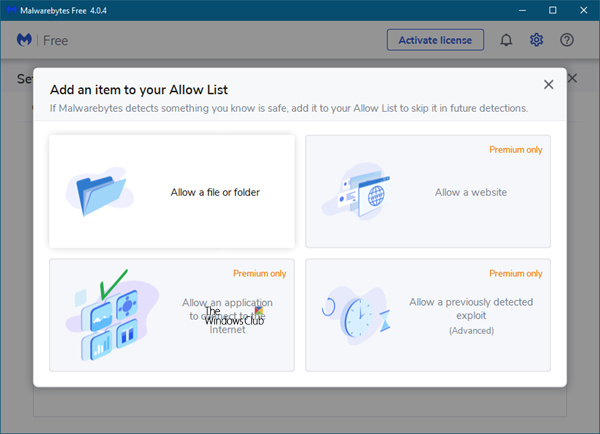
For example, you can select file/folder, website, app, etc. Choose it and go to the next screen. Here, you need to choose an option among these following three:
- Allow a file or folder
- Allow a website
- Allow an application to connect to the Internet
- Allow an Exploit.
Choose one and hit the OK button. That’s it! The important thing is you must know what you are doing.
Our observations about Malwarebytes 4.0
Malwarebytes 4.0 launches quickly and its scan speeds have improved.
I use Malwarebytes as a second opinion on-demand anti-malware along with my main security suite. If you wish to use it just as a free on-demand scanner ab initio, you can do so.
The Free version has again disabled scheduled scans. To be able to schedule scans you have to buy the premium version.
When I shutdown Malwarebytes after running the manual on-demand scan, I have to again right-click on its system tray icon and select Quit Malwarebytes and again on a UAC prompt which asks me to confirm. Else Malwarebytes will not close down completely. You will have a Service running in the background.
I found that while using it, it consumes more RAM than the previous version. This is probably because it is running three tools (Malwarebytes Anti-Malware, Malwarebytes Anti-Exploit, and Malwarebytes Anti-Ransomware) under one roof.
But as an anti-malware tool, Malwarebytes continues to offer superlative protection, while adding several new features. You can download it from its homepage. Press the DOWNLOAD FREE button under the Malwarebytes Free version column. It is available for Windows 11/10 and earlier versions too. In case, you are using Malwarebytes Anti-Malware 2.0; you can upgrade to the latest version by downloading the installer.
Post updated for Malwarebytes 4.0.

