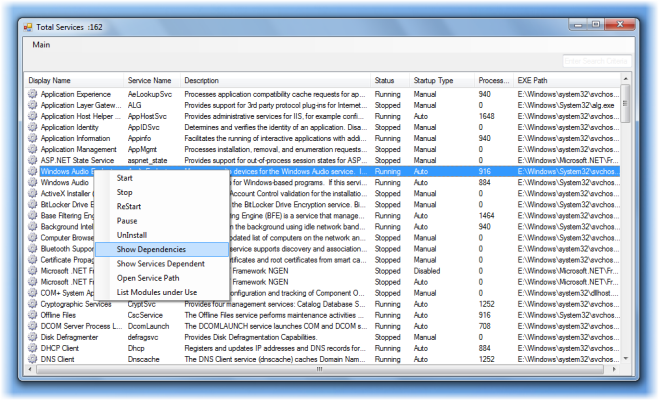
While one can always view and manage the services running on our Windows 11/10/8/7 PC by typing services.msc in start search and hit Enter, for those of you who want additional functionality, here is an Enhanced Services Explorer.
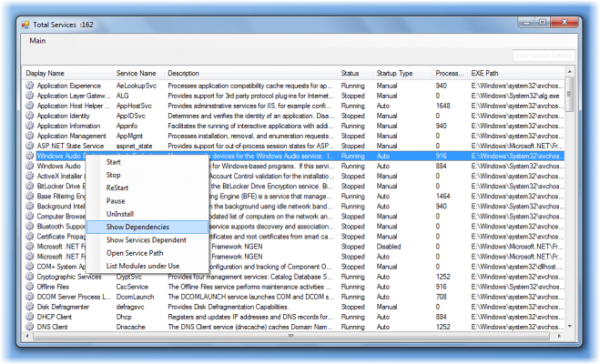
Enhanced Services Explorer for Windows
Let us take a look at Enhanced Services Explorer features in a nutshell:
- Easy to navigate among the services.
- Easy to filter services based on search criteria.
- Start/Stop services.
- Uninstall a service.
- Remote Machine services Viewing.
- Show services dependent on a particular service
- Show Dependencies.
- Better User Experience and lot more.
One unique thing it does is that it lets you uninstall a Service – but use it with care.
If you work a lot with Windows Services, this is one tool you may want to check out at Technet Blogs.