
NotMyFault from Microsoft can be used to crash, hang, and cause kernel memory leaks on your Windows 11/10 system. This can help you identify and diagnose device driver and hardware problems, and you can also use it to generate blue screen dump files.
How to crash, hang, and cause kernel memory leaks in Windows?
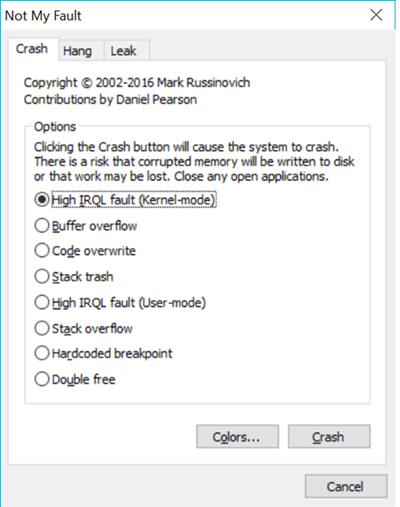
You can use the GUI version or the command line version.
You can download NotMyFault here from Microsoft. You can also get other related details there.
Read: How to manually create a Crash Dump file in Windows.
Designer Blue Screens for Windows PC
Mark Russinovich has described how to use local kernel debugging to change the colors of the Windows crash screen, also known as the “blue screen of death”.
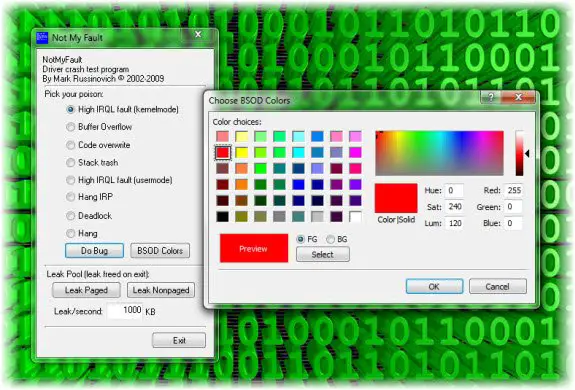
No doubt showing off a green screen of death or red screen of death to your friends and family is fun, but the steps involved are too complicated.
So what they have done is that they have modified Notmyfault, a driver demonstration tool that Mark wrote for the book and his crash dump analysis presentations.
Simply make your color section in the new BSOD color picker dialog, press the “Do Bug” button, and to preview and enjoy your creation!
Looking for a Blue Screen Screensaver? Check this one from Sysinternals!

