If you already have a Windows installation disc, then you may not need to create a System Repair or Recovery Disc in Windows 11/10. But if you do not have one, then it is better to create and keep it as you never know when you may need it.
For your information, you can repair your system with the help of this system repair disc. Many times, your computer may not work properly due to a malware attack or so. In such a situation, you can get back your system online using a system repair disc.
How to create a System Repair Disc in Windows 11/10
To create a System Repair Disc in Windows 11/10, follow these steps:
- Search for recdisc in the Taskbar search box.
- Click on the individual search result.
- Insert your disc into your computer.
- Make sure that your computer has recognized the disc.
- Click on the Create disc button.
- Let it finish the job.
To learn more about these steps, continue reading.
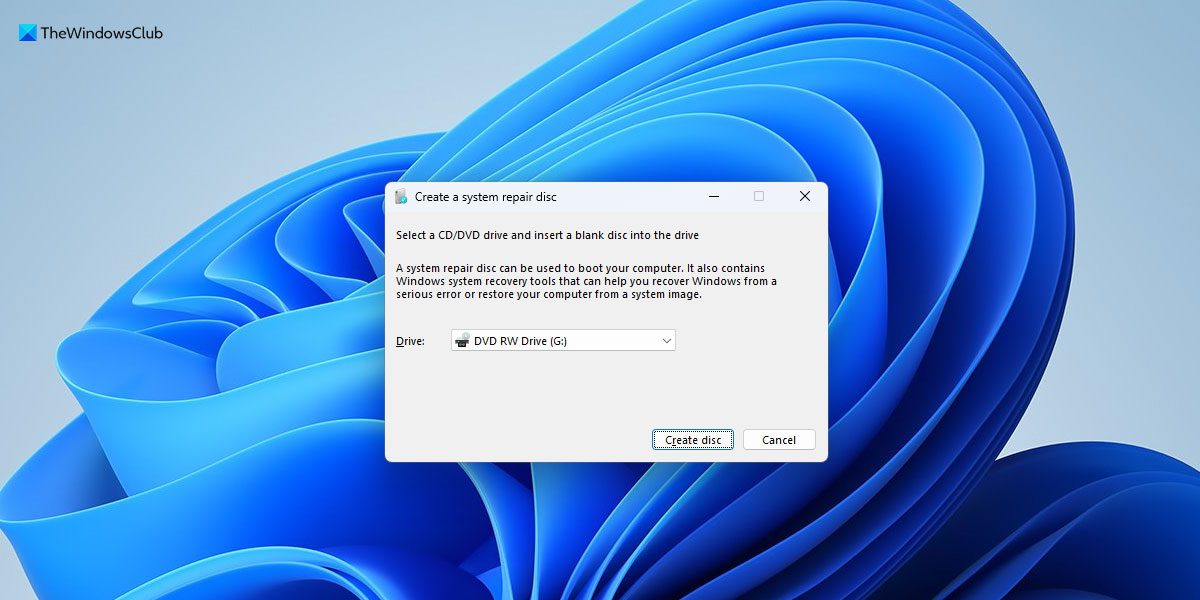
First, you need to open the Create a system repair disc panel on your computer. For that, open the Taskbar search box, search for recdisc, and click on the individual search result.
Once the Create a system repair disc panel is opened on your screen, you can insert the CD into your computer.
Next, make sure that your computer has identified it. If so, click on the Create disc button.
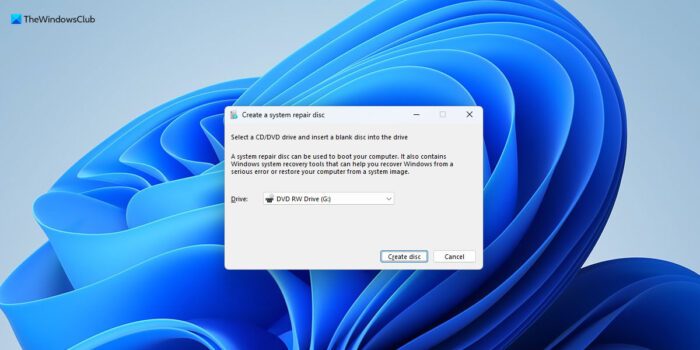
Following that, everything will be done automatically.
You can, by the way, also access it through Control Panel > Backup and Restore > Create a system repair disc
Once the process is completed, you will be informed, and you may then eject your system repair disc and store it in a safe place.
Can I create system repair disc on USB?
No, you cannot create a system repair disc on USB. No matter whether you use Windows 11, Windows 10, or any other version, you must insert an actual disc to create the system repair disc on Windows 11/10 PC. For your information, you can create a system repair disc using the in-built tool provided to you by Microsoft.
How often should I create a system repair disc?
If you often make major changes on your computer, you can create a new system repair disc after each change. However, if you use your computer to watch movies, read documents, check email, browse Facebook, Twitter, etc., you do not need to do it frequently. In fact, you can create a system repair disc only once.
How big of a USB do I need for Windows 11/10 recovery?
To create recovery USB flash drive for Windows 11/10, you do not need a huge amount of free storage. It does the job within 512 MB. In other words, you can use any USB flash drive to create a recovery unit for Windows 11 or Windows 10. For your information, you can do that without using third-party software.
Trivia: A Compact disc is spelled with a “c” because that’s how its inventors decided it should be rendered, but the computer hard disk is spelled with a “k”.
Read next: