
Windows 11/10 includes tzutil.exe, a Command-Line Utility. This Windows Time Zone Utility can be used to change Time Zone or to get the current Time Zone details. Let us see how to use it.
Change Time Zone with tzutil.exe
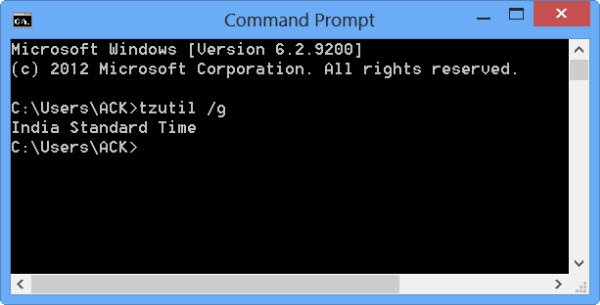
We have already seen how you can change Windows Internet Time Update Interval. Today we will see how to change Time Zone with tzutil.exe.
To run the tzutil.exe utility, open a Command Prompt.
At the command line, type in any of the following commands to achieve the following results:
To know the current time zone :
tzutil /g
To get a list of all available time zones :
tzutil /l
To change time zone :
tzutil /s <timezone>
Where <timezone> is to be replaced by the desired time zone. eg Universal Standard Time.
To see all the available switches:
tzutil /?
Hope this helps.
Want to read about Daylight Saving Time in Windows now?

