
A quick tip. If you are running Windows on a Tablet PC, you can quickly change the display orientation of Windows. All you need to do is use the following keyboard shortcuts.
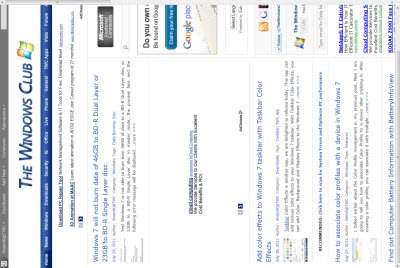
Change display orientation on Windows Tablet
Use this key combination and see the display orientation change:
Ctrl+Alt+ArrowKey
You can also check it out on your laptop to see how it works. The orientation for the mouse navigation will change too.
In case you find that the Windows taskbar continues to stay in its previous position, just make sure that your cursor is not being held down on the taskbar with the press of your mouse button.
Hope you like this small but useful tip!

