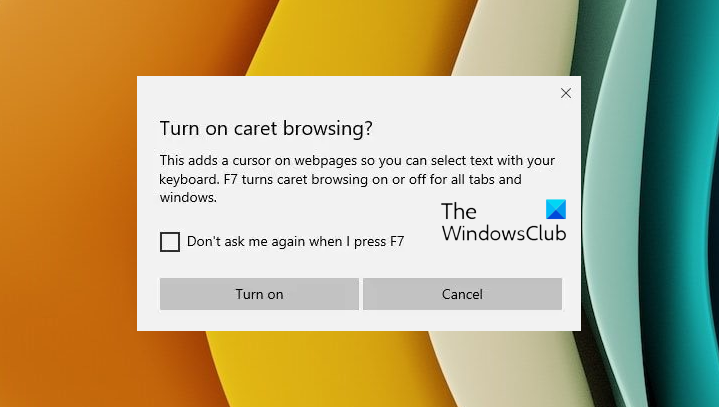
Caret Browsing is a feature in Windows 11/10 with the help of which you can use the navigating keys on the keyboard, select the text & move it around within a webpage. You can select and copy snippets of text as short as a single character by using only the keyboard. Other content types, such as tables or images, can also be selected and copied.
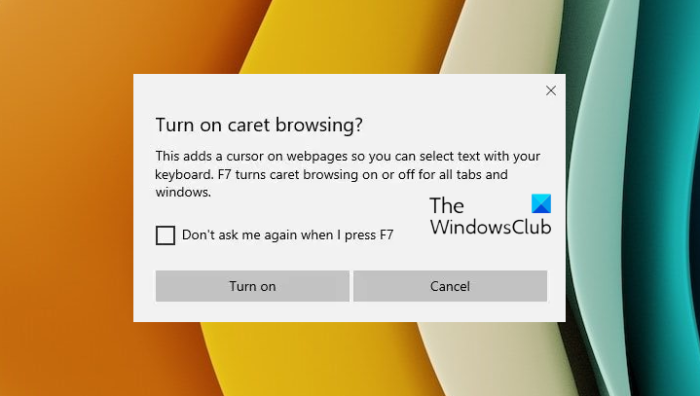
Caret Browsing in today’s browsers lets you navigate around a webpage with arrow keys like a Word document. Caret Browsing is not only useful but also a more natural way of reading for a few users.
Is Caret browsing by default?
No, Caret browsing is not turned on by default. You have to enable or turn it on by following the procedure laid down in this post.
Enable Caret Browsing in Windows 11/10
- To turn on Caret Browsing in Microsoft Edge, launch the browser and press F7.
- It can be enabled per tab or for all tabs and windows.
- Moving the cursor within the text of a webpage is like moving the cursor within the text of a Microsoft Word document.
- To select the text, hold the Shift key & press the Arrow keys.
Instead of using a mouse to select text and move around within a webpage, you can use standard navigation keys on your keyboard:
Home, End, Page Up, Page Down & the arrow keys.
This feature is named after the caret, or cursor, that appears when you edit a document.
In Microsoft Edge, under Advanced Settings section you can opt to use Caret browsing.
TIP: If you wish to enable Caret browsing on startup, you can tweak the setting with our Ultimate Windows Tweaker.
Turn on Caret Browsing on Firefox
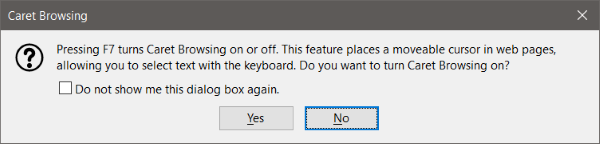
The feature is readily available on Firefox too. You can enable it by pressing F7 on your keyboard. F7 is the hotkey associated with Caret Browsing. It is going to be the same for Edge, Firefox and Chrome. Once enabled you can start using navigation keys to move the cursor around. You can also use other keys such as Shift to select text and Ctrl+C to copy it.
Caret Browsing on Firefox is smooth and works if there are a lot of images and tables on the page. To disable it, you can press F7 again.
Enable Caret Browsing on Chrome
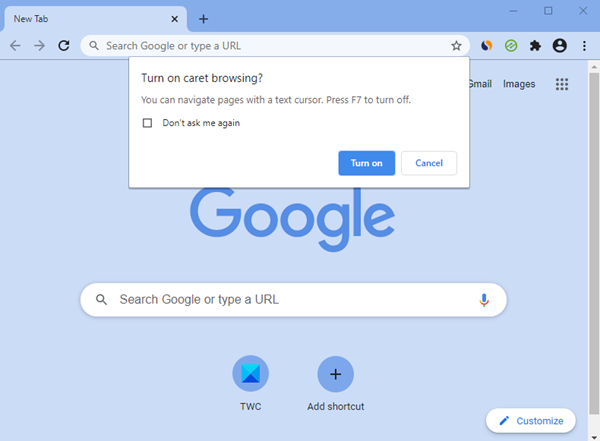
Once the browser is launched, it, too can be enabled or disabled using F7.
How do I get rid of Caret browsing?
You can use the F7 key to turn it off or on the easy way. To completely get rid of it, use the Group Policy or Registry Editor. This post will show you how to turn OFF or On Caret Browsing Support using REGEDIT or GPEDIT.