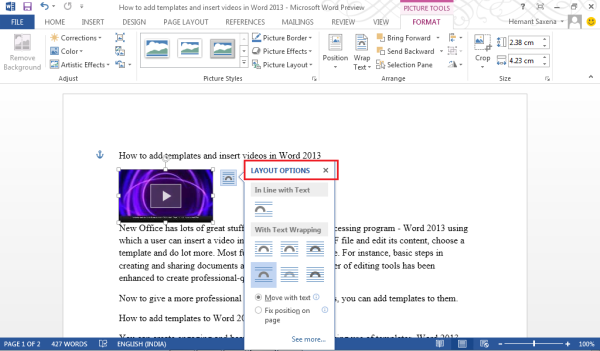
Using Microsoft Word, a user can insert a video in a document, edit a PDF file, choose a template, and do a lot more. Most functions remain the same. For instance, the basic steps in creating and sharing documents are the same but the power of editing tools has been enhanced to create professional-quality documents.
Now to give a more professional touch to your documents, you can add templates to them.
Add Templates to Word
You can create engaging and beautiful documents by making use of templates. Word, you’re offered a choice of great new templates.
To use a template:
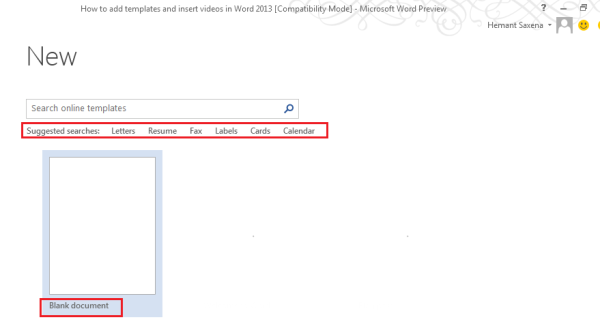
- Open Word, automatically you will notice the list of templates.
- To see the list any other time, click File > New.
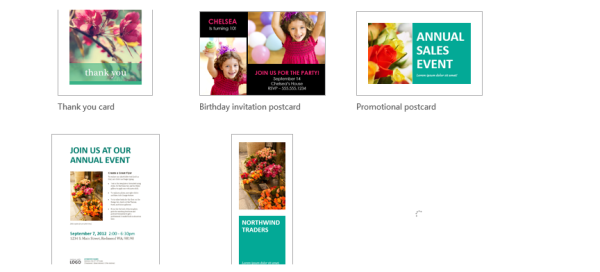
- You can check out more templates where you see the ‘Search online templates’ option. Word 2013 also provides suggestions for search with keywords below. The keywords help to get quick access to popular templates.
- All the templates are provided in the thumbnail preview. You need to click the thumbnail to get a large preview. To see the templates related to the selected template, click the arrows on either side of the preview window.
- After you have found the template of your choice, double-click the thumbnail or choose ‘Create’ option to start a new document based on the template.
- If, you are not bothered at all to use a template, simply click the ‘Blank document’.
Insert a video in Word
The Interface of Word sports a clean and comfortable reading view. All its editing tools can be immediately hidden to offer a distraction free-environment for reading and watching videos.
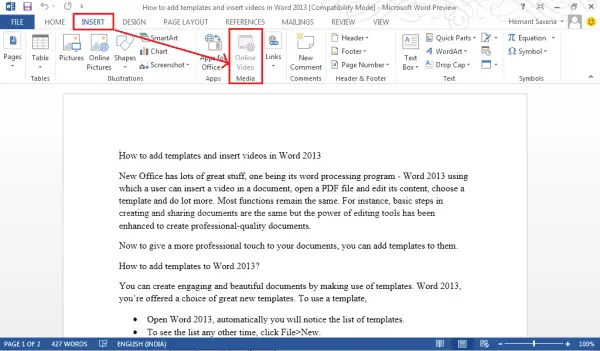
To add an online video to Word, switch to ‘Insert’ tab and choose the ‘Online video’ option.
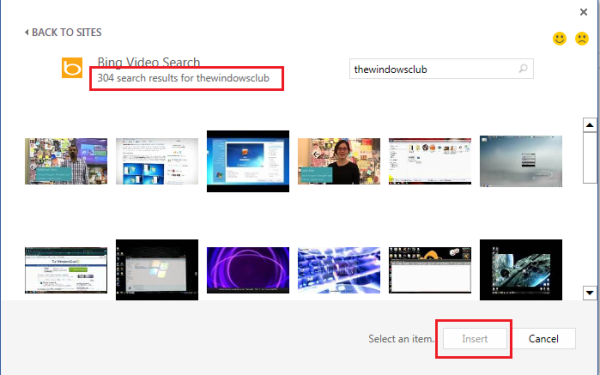
Instantly, an ‘Insert video’ window will pop-up prompting you to add videos from the web.
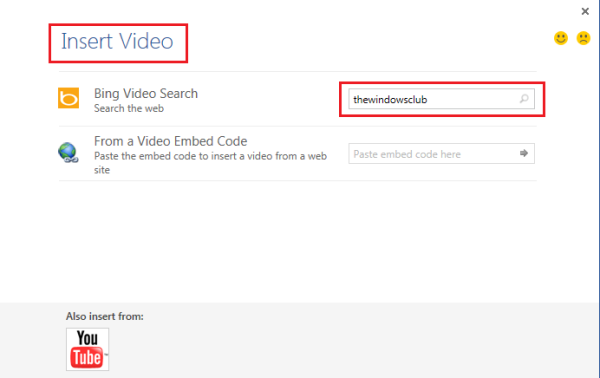
You can either use Bing or YouTube, to search for videos and insert them at any place in the document using ‘Insert’ option.
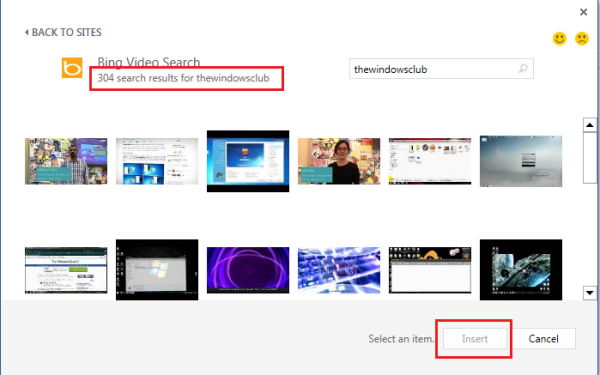
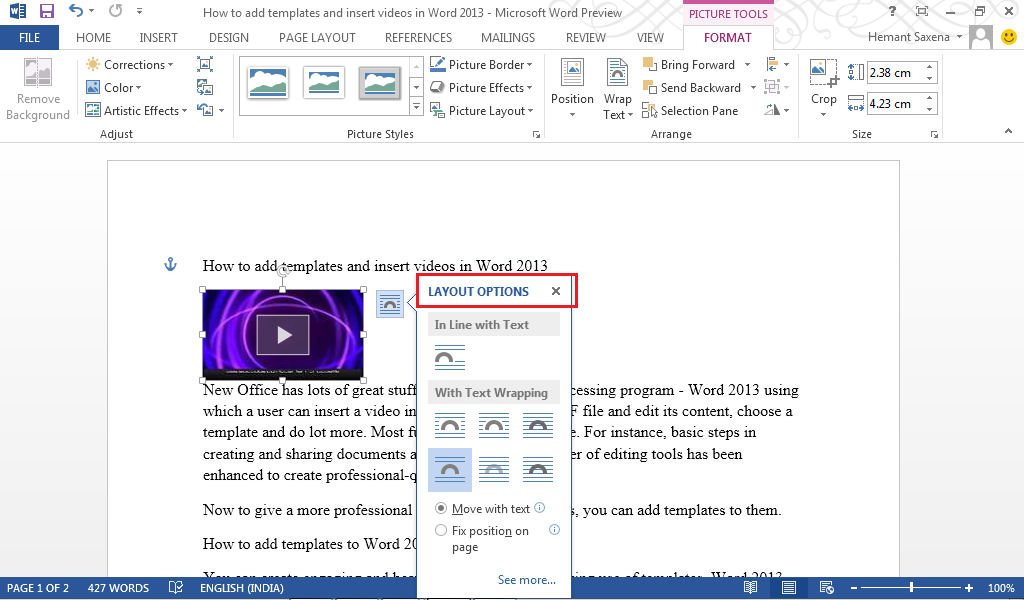
After inserting the video in the document you can choose the desired layout option.