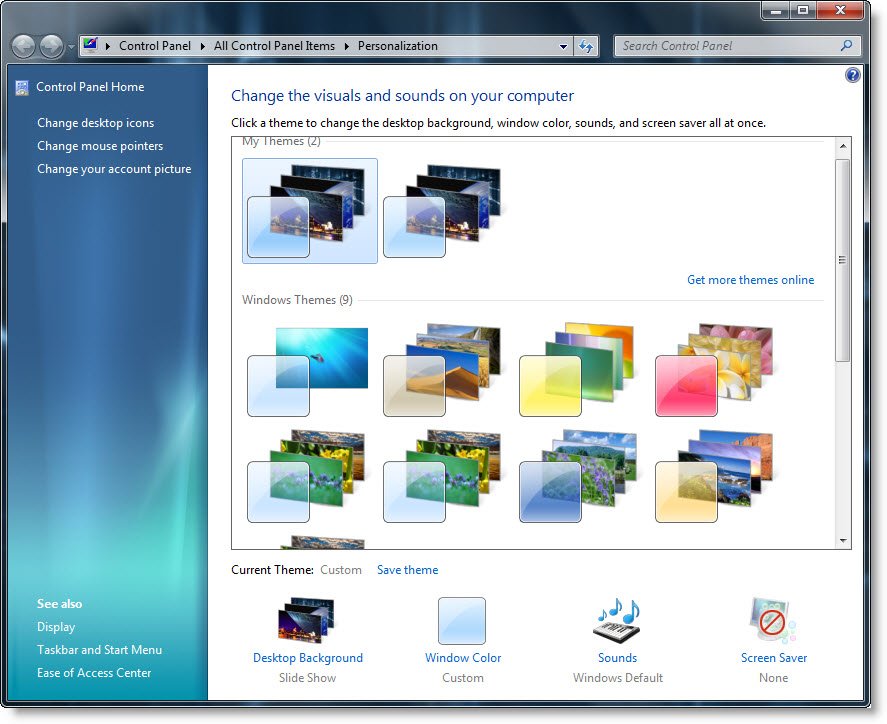
Windows 7 includes several cool themes. Right click on the Windows 7 desktop and select Personalize. You will see some 5 wonderful themes which are included by default in Windows 7.
Hidden themes in Windows 7
But also included are some 5 more hidden themes in Windows 7. To access them, through Explorer’s Folder Options, set it so to Show hidden files, folders, or drives and to show the protected operating system files.
Now navigate to the following location:
C:\Windows\Globalization\MCT
You will see the 5 zonal theme folders, one each for Australia, Canada, Great Britain, USA & South Africa.
Click on the themes file inside each to the Themes folder to activate the themes.
You can also download more Windows 7 themes from Microsoft.